# Get your API key
You can find your API key in the customer view. First, log in to your account.
{% hint style="info" %}
Follow these steps to access your account: [access-your-account](https://docs.realitems.io/realitems-api/account/access-your-account "mention")
{% endhint %}
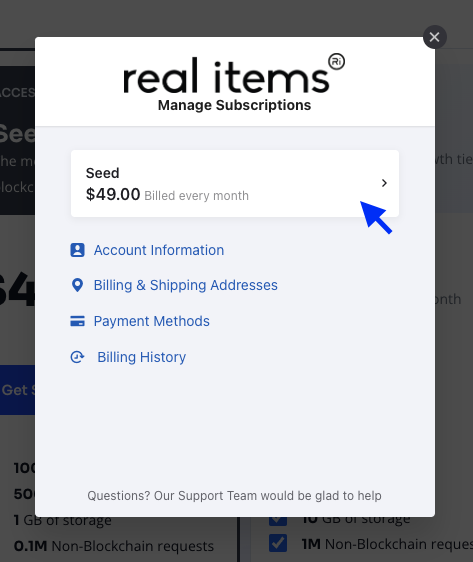
Once logged in, click on the subscription item.
Your API key will be available under the *API key* section.
{% hint style="info" %}
Please keep your API key in a secure place.
{% endhint %}
Now that you have your API key, you can jump into the quick start guide.
{% content-ref url="../quick-start" %}
[quick-start](https://docs.realitems.io/realitems-api/quick-start)
{% endcontent-ref %}